Start · 6 min read
Projects
Keep each website, environment, and test history in the right place.
What a project contains
A project connects one website target with its discovered pages, test objectives, scenarios, runs, and reports. This keeps the full testing history together.
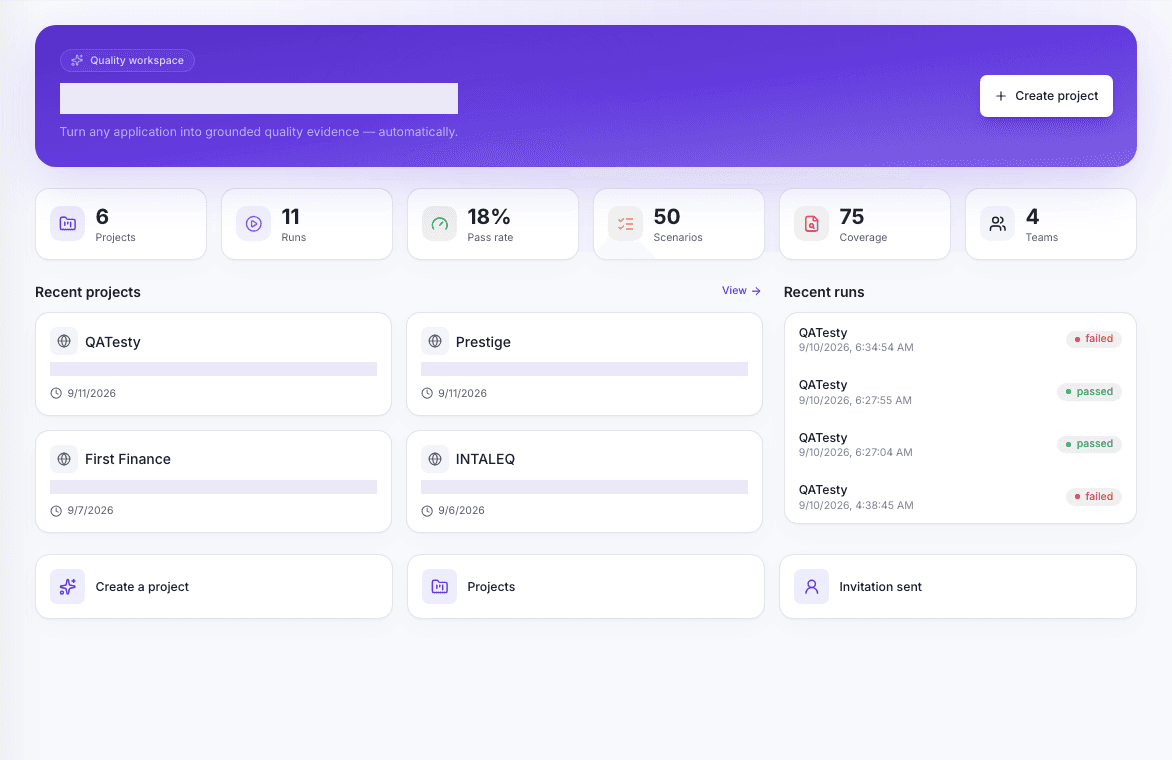
Create a project
- 1
Name it
Use the product and environment, for example Customer portal — staging.
- 2
Add the URL
Enter the first page QATesty should visit.
- 3
Describe the product
Explain who uses it and which task matters most.
Choose a clear scope
A small first scope gives faster, clearer results. Begin with one journey such as sign in, search, checkout, or contact submission. Add more after the first run is useful.
Keep the project current
Run discovery again after large navigation changes. Review old objectives before a release. Archive scenarios that no longer match the website instead of leaving confusing failures in the baseline.